
Verification message sender
Everything a reviewer needs: the public opt-in page, the exact message wording, keyword behaviour and demonstration evidence.
assure.chat/verify — the consent page, accessible without an account.
assure.chat/verify/demo — the full sequence, side by side.
One flow, every channel.
The consent disclosure, message wording and keyword handling below are identical on every channel. Assure selects the best channel the recipient's phone supports; when no rich channel is available the code is sent as a standard text message. No delivery method is guaranteed.
- Apple Messages for BusinessApple Messages
- Google Messages · RCSRCS
- WhatsAppWhatsApp
- Text message (SMS)SMS
RCS specifics
- Sender name
- Assure
- Legal entity
- Assure, Inc.
- Sender identifier
- assure-demo-verify
- Use case
- User-requested one-time verification codes
- Opt-in URL
- https://assure.chat/verify
- Support contact
- support@assure.chat
RCS agent verification and carrier enablement are still pending. No carrier or platform approval is claimed on this page.
Message templates.
I agree to receive verification messages from Assure at the mobile number provided when I request verification. Message frequency depends on my requests. Message and data rates may apply. Reply STOP to opt out or HELP for help.
Assure: You're opted in to receive verification messages when you request them. Message frequency varies. Message and data rates may apply. Reply STOP to opt out or HELP for help.
Assure: Your verification code for the Assure Demo is 123456. It expires in 5 minutes. Enter it only on the website or app where you requested it. Never share this code. If you didn't request it, ignore this message. Reply STOP to opt out or HELP for help.
Assure provides verification codes for sign-in and account verification. For help, contact support@assure.chat. Never share your verification code. Reply STOP to opt out or START to opt back in.
Assure: You've opted out and will no longer receive verification messages from this sender. Reply START to opt back in. To continue signing in, choose another available verification method.
What the recording shows.
- 01The visitor reviews the disclosure on the public opt-in page; consent is unchecked by default.
- 02The visitor enters a mobile number and actively checks consent, which enables the primary CTA.
- 03The sender replies with the opt-in confirmation, then a separate verification message containing a six-digit code.
- 04The visitor enters the code on the requesting page and reaches the 'Verification complete.' state.
- 05The visitor replies HELP and receives the help response; subscription state is unchanged.
- 06The visitor replies STOP and receives one opt-out confirmation; further verification requests are blocked.
- 07The visitor replies START, consent is restored, the opt-in confirmation is repeated, and a fresh code can be requested.
Captured from the live pages.
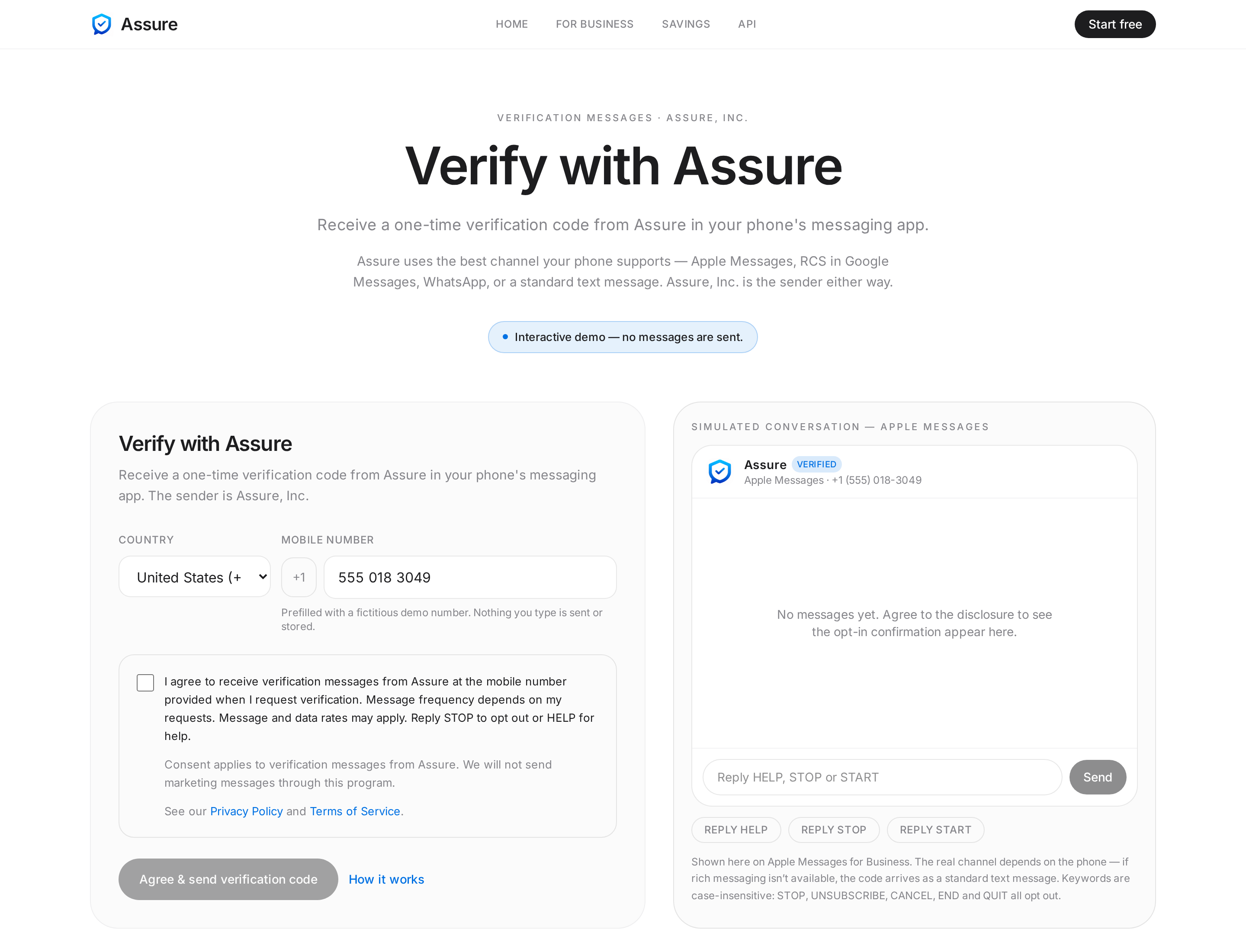
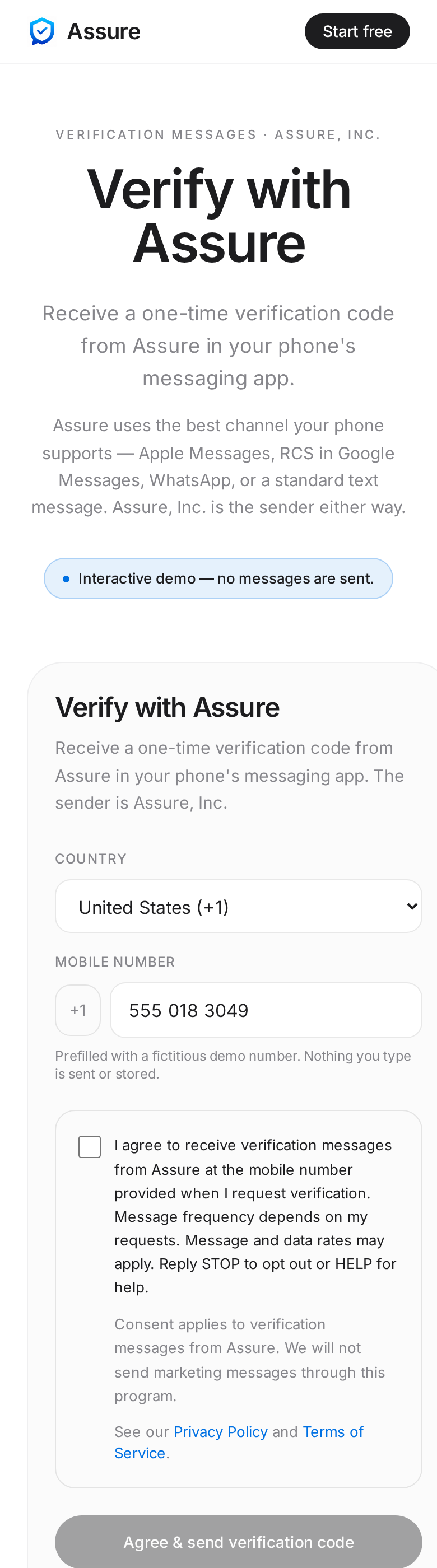
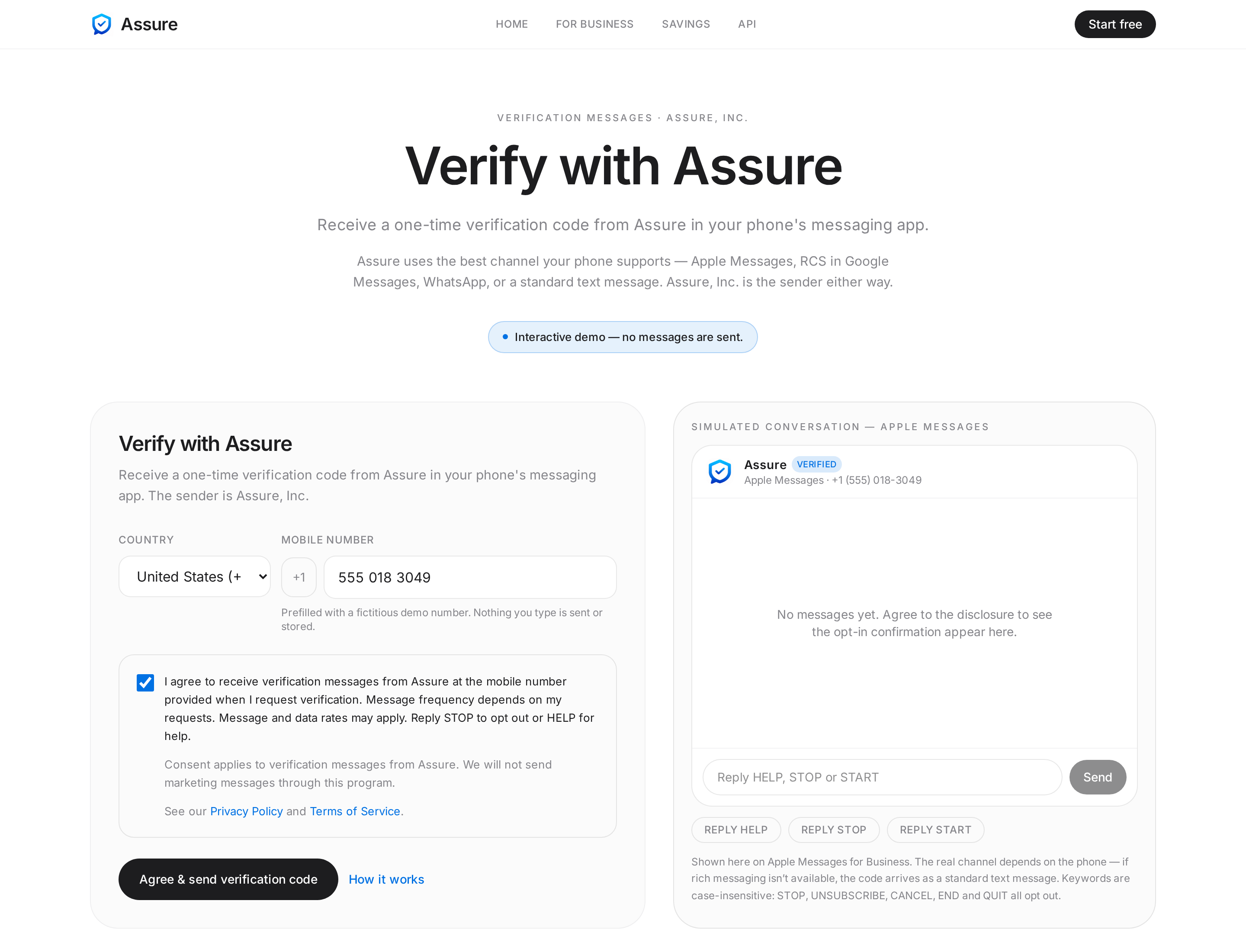
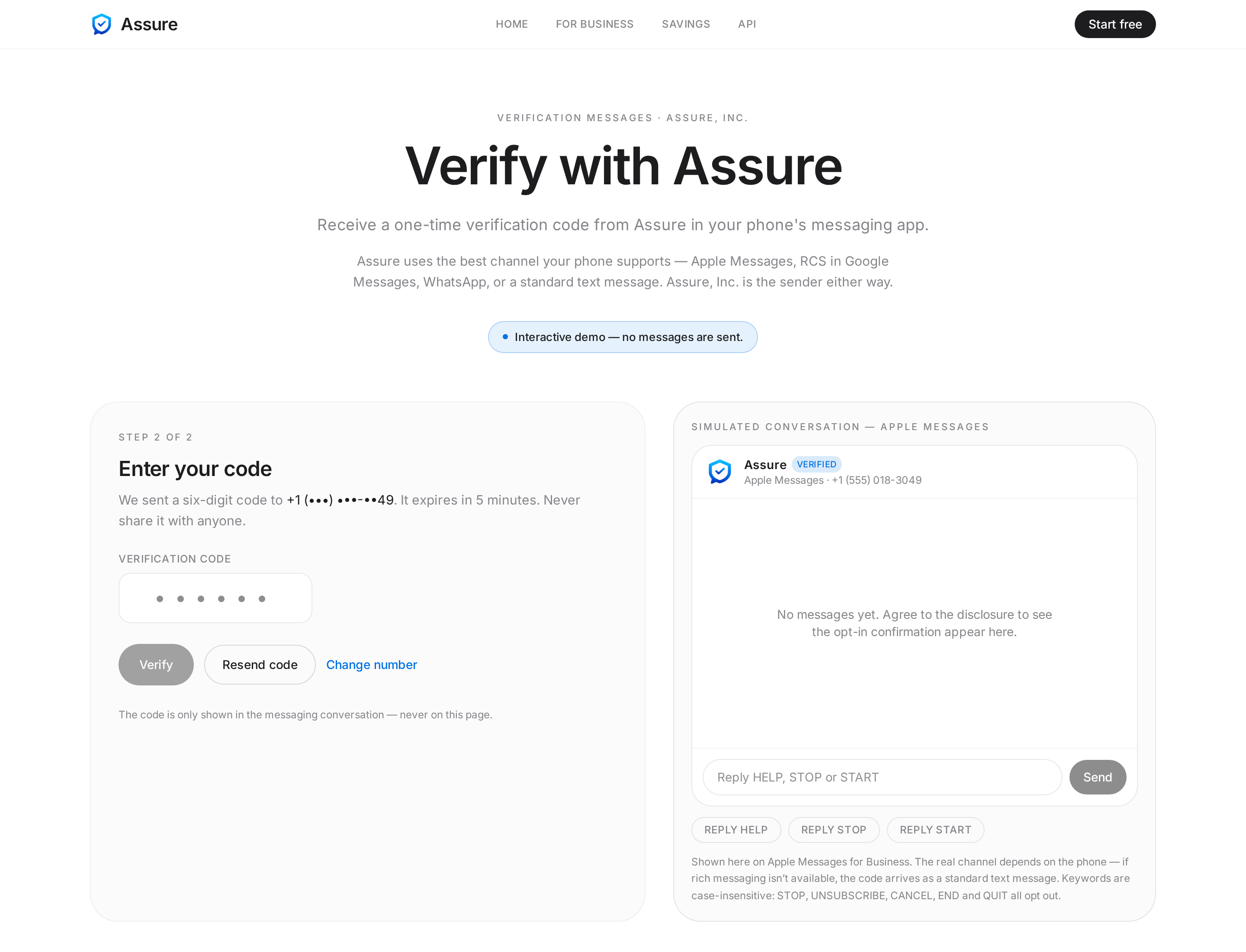
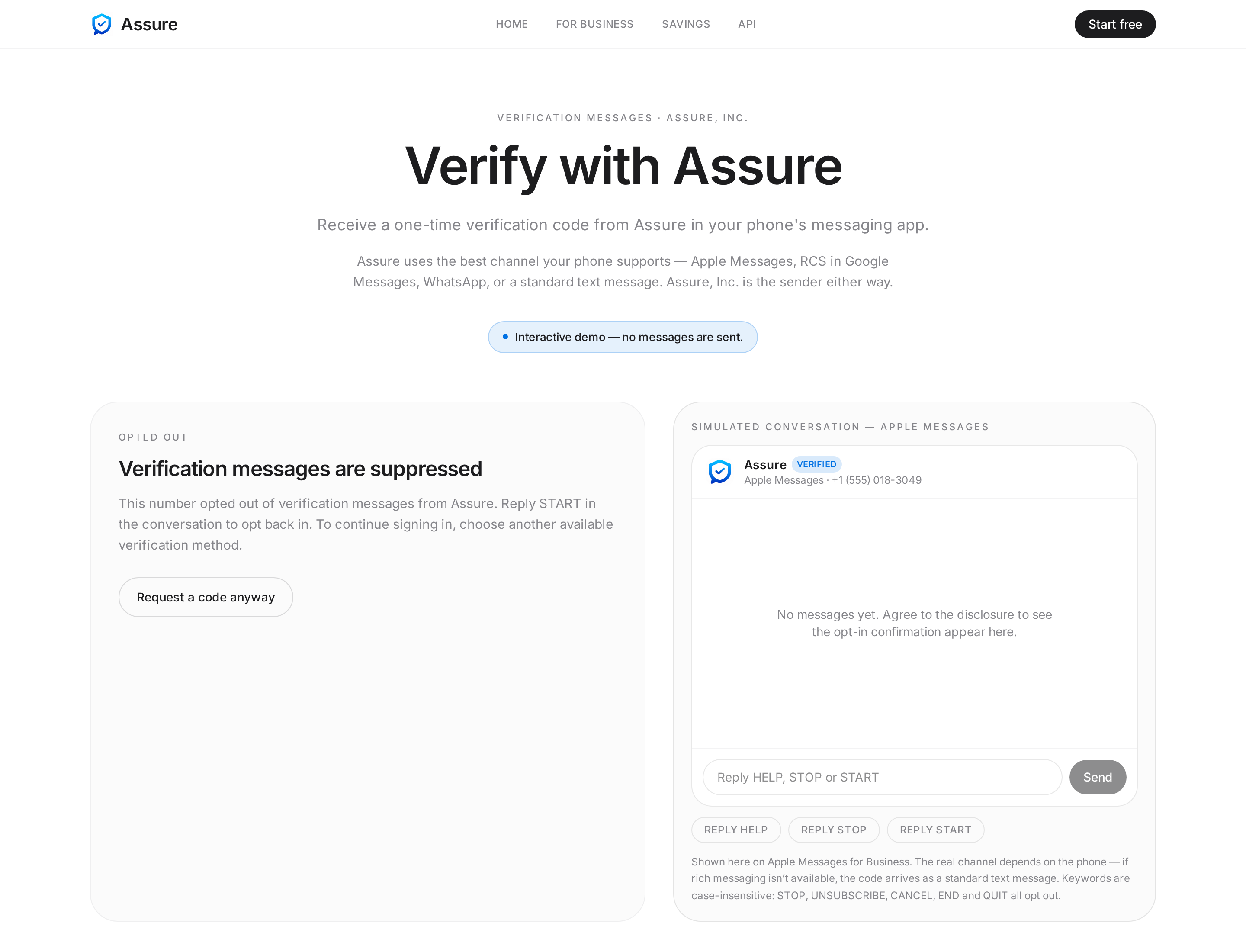
All screenshots are captures of the implemented pages using a fictitious phone number.
A publicly accessible recording will be linked here once it is published. No carrier or platform approval is claimed.